
Proper Setup Helps Prevent Damage, Poor Signal Problems, and Unsafe Wire Strain
Professional tv installation protects your electronics by placing the screen the right way, using safe power and cable paths, and setting up each part so it does not overheat, fall, or wear out early. A bad setup can put stress on ports, cords, and internal parts. A proper job helps your tv, sound system, game console, and streaming devices last longer and work better.
Why Prevention Matters
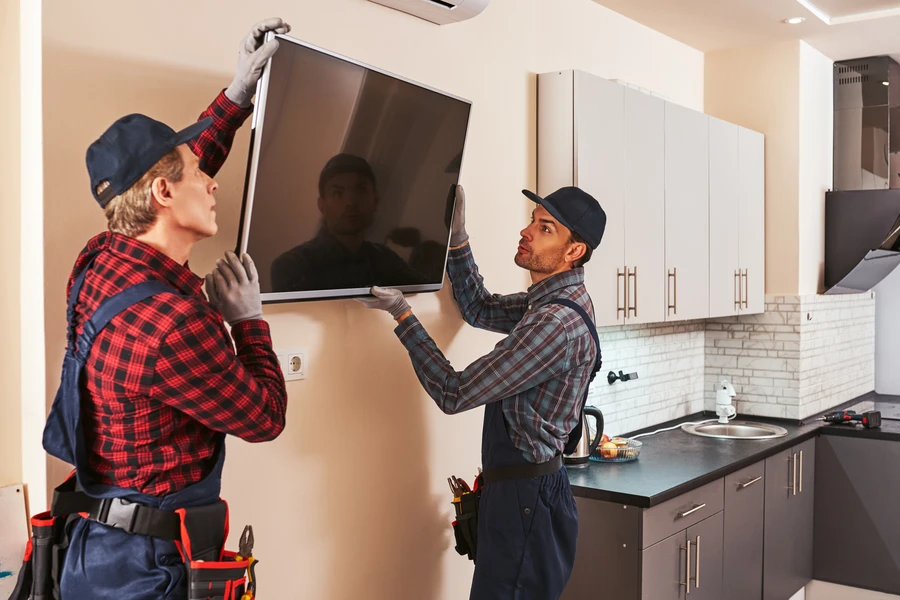
electronics are sensitive. A tv may look strong on the outside, but the parts inside can be harmed by heat, loose power connections, and poor mounting. When a screen is too tight against the wall, air may not move well. When cables hang with too much pull, the ports on the back of the tv can loosen over time. Even a small shift in a wall mount can place stress on the frame.
Professional tv installation helps stop these problems before they start. It also helps keep connected devices safe. That includes speakers, receivers, streaming boxes, and gaming systems. In many homes, the tv area has several devices linked together. If one part is set up wrong, the whole system can suffer. This section also applies to any service category keyword tied to home electronics setup and protection.
Early Warning Signs
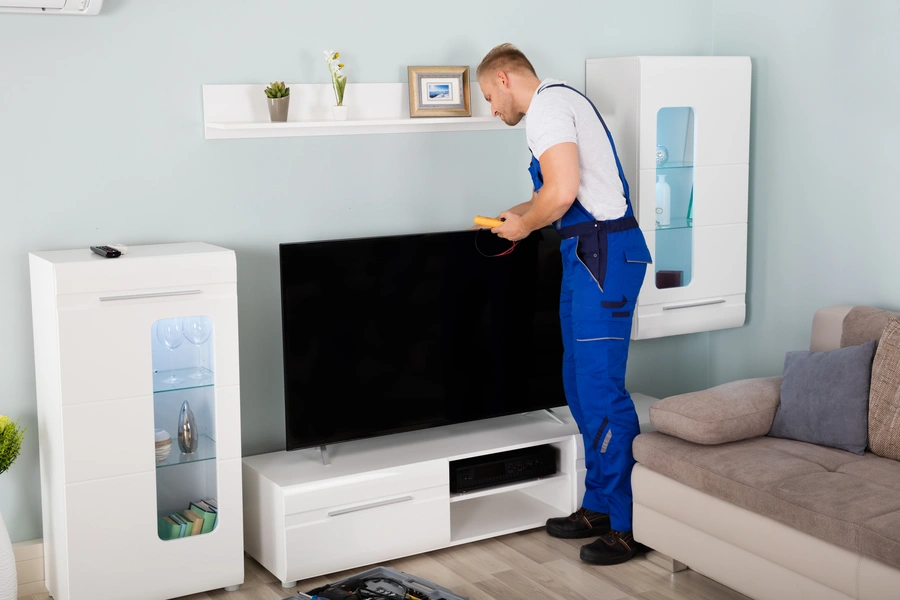
There are often small signs that a tv setup is not safe. Many people miss them until damage has already happened. A few simple checks can tell you if the setup needs work.
- The tv looks tilted or uneven on the wall.
- Cables are bent hard behind the screen.
- The wall plate or bracket feels loose.
- The tv gets very hot during normal use.
- Ports feel tight, stretched, or hard to reach.
- The picture cuts out when a cable is touched.
- A power strip is overloaded with too many plugs.
These signs may seem minor, but they can lead to broken ports, damaged cords, or a screen that falls. A clean and stable setup protects more than the tv itself. It protects every device connected to it.
Seasonal or Routine Checklist
A tv setup should be checked from time to time. Dust, movement, and daily use can slowly create risks. This is even more true in busy homes with kids or pets. A simple routine can help you catch trouble early.
- Check that the mount is still level and tight.
- Look at each cable for pinching or sharp bends.
- Make sure there is room for airflow behind the tv.
- Test the outlet and surge protector for steady power.
- Clear dust from vents, shelves, and media boxes.
- Check that connected devices are not stacked too tightly.
- Make sure no cord is hanging where it can be pulled.
This kind of care matters after moving furniture, painting a room, or adding a new device. Many people focus only on the screen. The better step is to look at the full setup as one system.
Best Practices for Long-Term Results
Good installation habits make a big difference over time. The right mount must match the tv size and wall type. Drywall, brick, and stone all need different hardware. The height should fit the room so the screen is easy to watch without extra neck strain. A clean cable route matters too. When wires are supported well, they are less likely to tug on the back of the tv.
Power protection is another big part of long-term care. A quality surge protector can help shield electronics from sudden power changes. This helps protect not only the tv but also soundbars, streaming devices, and game systems. Good spacing between devices also helps reduce heat buildup. Heat is one of the quiet causes of early electronics wear.
Professional tv installation also helps with signal quality. Loose hdmi cables, poor wire routing, and bad device placement can lead to screen flicker, sound loss, or weak performance. A proper setup keeps connections stable and easy to service later.
What Not to Do
Some setup choices create risk right away. Others may seem fine at first but cause trouble over months of use. Avoiding these mistakes can save money and stress.
- Do not use a wall mount that is too small.
- Do not let cables hang with full weight on the ports.
- Do not block cooling vents behind the tv.
- Do not plug many large devices into one cheap strip.
- Do not mount into weak wall areas without proper support.
- Do not force cables into tight spaces.
- Do not place heat-producing devices in a sealed cabinet.
One common mistake is focusing only on how the tv looks. A neat setup is nice, but safety and function matter more. Another mistake is changing devices often without checking cable strain. Each new console or streaming box changes the load on the system.
When to Schedule Professional Help
It makes sense to get help when the tv is large, the wall is tricky, or the system has many parts. Stone fireplaces, older walls, and full media setups need extra care. If you want hidden cables, a soundbar, receiver, game console, and streaming box all working together, a pro setup can protect both the equipment and the wall.
Professional help is also smart if you already see warning signs. A loose mount, heat problems, and damaged cable ends should be checked soon. Waiting can turn a small fix into a broken screen, dead port, or failed device. If the goal is to protect your electronics for years, a skilled setup is a safer path than trial and error.
Get Help With a Safer Setup
if you want a tv area that looks clean and protects your electronics, we can help. In Fountain Inn, SC, we can inspect the setup and point out risks before they turn into damage. Hook It Up Electronics handles careful mounting, stable cable routing, and safe device placement. Call us at (864) 514-8518 to schedule help or ask questions about your setup.